
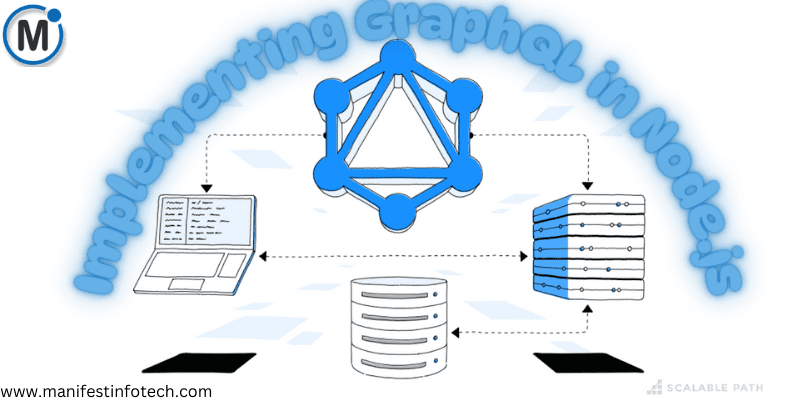
GraphQL is a powerful query language that provides a flexible and efficient alternative to REST APIs. It allows clients to request only the data they need, reducing over-fetching and under-fetching issues. In this guide, we will explore how to set up a GraphQL API using Node.js and Apollo Server and compare it with traditional RESTful approaches.
What is GraphQL?
GraphQL is an open-source query language developed by Facebook that enables efficient communication between clients and servers. Unlike REST, which requires multiple endpoints for different resources, GraphQL operates with a single endpoint and allows clients to specify the exact data they need.
Key Benefits of GraphQL:
Flexible Queries – Clients can request only the required fields.
Single Endpoint – Eliminates the need for multiple API routes.
Strongly Typed Schema – Provides a clear contract between client and server.
Efficient Data Fetching – Reduces the number of network requests.
Setting Up a GraphQL API in Node.js
Step 1: Initialize a Node.js Project
mkdir graphql-api && cd graphql-api
npm init -y
Step 2: Install Dependencies
npm install express apollo-server-express graphql
Step 3: Define a GraphQL Schema
Create a file schema.js:
const { gql } = require(\’apollo-server-express\’);
const typeDefs = gql`
type User {
id: ID!
name: String!
email: String!
}
type Query {
users: [User]
}
`;
module.exports = typeDefs;
Step 4: Create Resolvers
Create a file resolvers.js:
const users = [
{ id: \”1\”, name: \”John Doe\”, email: \”john@example.com\” },
{ id: \”2\”, name: \”Jane Doe\”, email: \”jane@example.com\” }
];
const resolvers = {
Query: {
users: () => users,
},
};
module.exports = resolvers;
Step 5: Set Up Apollo Server
Create a file server.js:
const express = require(\’express\’);
const { ApolloServer } = require(\’apollo-server-express\’);
const typeDefs = require(\’./schema\’);
const resolvers = require(\’./resolvers\’);
const app = express();
const server = new ApolloServer({ typeDefs, resolvers });
async function startServer() {
await server.start();
server.applyMiddleware({ app });
app.listen(4000, () => {
console.log(\’Server running on http://localhost:4000/graphql\’);
});
}
startServer();
Step 6: Run the GraphQL Server
node server.js
Visit http://localhost:4000/graphql to access the GraphQL Playground and test queries.
Comparing GraphQL with REST
Feature
GraphQL
REST
Data Fetching
Single query, flexible fields
Multiple endpoints, fixed fields
Efficiency
Fetch only required data
Over-fetching/Under-fetching
API Calls
Fewer calls
More calls for complex data
Versioning
No versioning needed
API versions required
Schema Definition
Strongly typed schema
Loose structure
Conclusion
GraphQL is a powerful alternative to REST APIs, offering greater flexibility and efficiency. By setting up a GraphQL API using Node.js and Apollo Server, you can improve data fetching, reduce API complexity, and enhance application performance.
If you are looking for any services related to Website Development, App Development, Digital Marketing and SEO, just email us at nchouksey@manifestinfotech.com or Skype id: live:76bad32bff24d30d
𝐅𝐨𝐥𝐥𝐨𝐰 𝐔𝐬:
𝐋𝐢𝐧𝐤𝐞𝐝𝐢𝐧: linkedin.com/company/manifestinfotech
𝐅𝐚𝐜𝐞𝐛𝐨𝐨𝐤: facebook.com/manifestinfotech/
𝐈𝐧𝐬𝐭𝐚𝐠𝐫𝐚𝐦: instagram.com/manifestinfotech/
𝐓𝐰𝐢𝐭𝐭𝐞𝐫: twitter.com/Manifest_info
#GraphQL #NodeJS #ApolloServer #APIDevelopment #BackendDevelopment